
Edit text in your image

Enter the text to replace, or recognize text in the image automatically.

AI Image Text Editor

Edit text in image with ImageTextEditor

Need to change words that are already part of a picture? ImageTextEditor helps you edit text in image files from your browser. Upload an image, work with the text inside it, and download a result for your next post, presentation, product visual, or personal project. You can also add text to an image, remove text from an image, extract words into editable text, or translate text in image workflows. Try it free with daily credits.

Edit Text in Image
Before and after comparison showing text changed inside the same travel poster image.

features

One image text editor for everyday text changes

01

Edit existing words inside an image

Replace a date, headline, label, or short phrase that is already embedded in a picture. ImageTextEditor keeps the task focused on the text inside the image, so you can make a targeted change without rebuilding the whole visual from scratch.
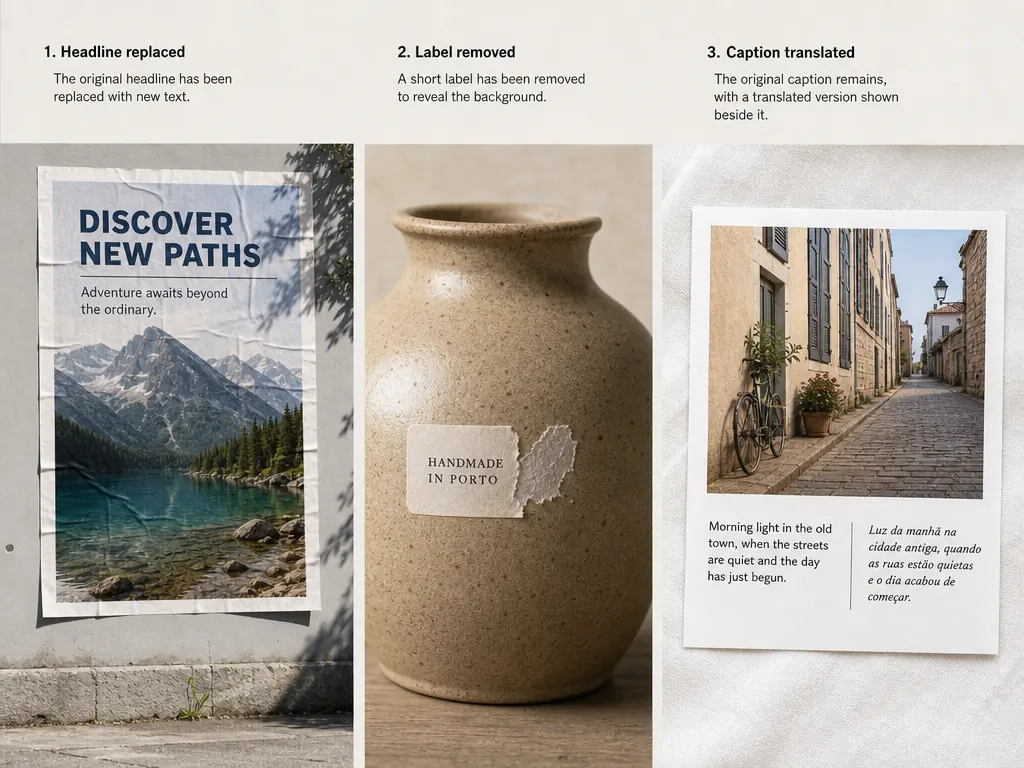

Printed image examples showing a headline replacement, a removed label, and translated caption.
02

Add or remove text from an image

Add a new caption to an image, or remove unwanted wording while restoring the surrounding background. These simple image text editing tasks are useful for social posts, mockups, announcements, and personal photos.

Product label shown with unwanted wording removed and the surrounding background revealed.
03

Extract and translate text in image content

Turn words from an image into editable, copyable text, or translate text in image content while keeping the visual context in view. This helps when you are working with screenshots, printed materials, signs, and multilingual content.

Multilingual travel card showing original and translated text side by side.

steps

How to edit text in a picture in three steps

Step 01

Upload the image you want to change

Start with the JPG, PNG, or other image that contains the words you need to change. The browser-based workflow keeps the first step simple.

Step 02

Select the text inside the image

Identify the wording you want to edit, add, remove, extract, or translate. Focus on one clear text task at a time so you can review the result carefully.

Step 03

Review and download the updated image

Check the changed wording in context, then download the image when it is ready for your project. You can return to the workflow whenever another image text update is needed.

cases

Edit text in image for work, content, and daily tasks

Event poster with a corrected date shown as an image text editing use case.
01

Correct a typo in a finished visual

Fix a date, name, or short headline in a poster or social graphic when the original design file is not available. Edit text in image content directly and keep the rest of the visual intact.

Social media event graphic shown before and after a headline correction.
02

Update product and marketing images

Change a short product label, offer, or announcement before sharing it with customers. Add text to image assets when a new caption is needed, or remove outdated wording from an existing visual.

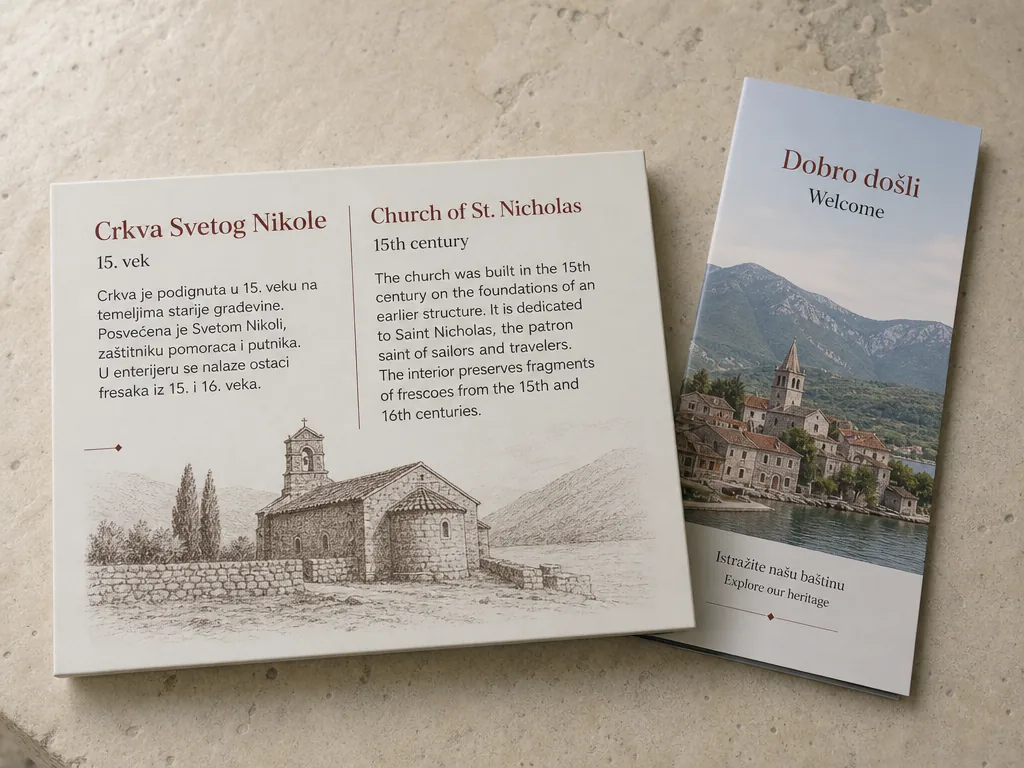
Museum sign and travel brochure showing original foreign text beside an English translation.
03

Work with multilingual image content

Extract text from image screenshots, signs, or printed material when you need an editable copy. Translate text in image content to support international projects while keeping the original visual context available for review.

benefits

Why use ImageTextEditor for image text editing?

ImageTextEditor keeps image text tasks in one focused browser workflow.

Focused on text inside images

Work on the words that are part of an image instead of treating every task as a full photo edit.

Browser-based workflow

Open the tool in your browser and start with the image you already have, without requiring a separate design project file.

Handles common image text tasks

Edit, add, remove, extract, and translate text in image workflows from one focused product.

Useful for multilingual content

Support image text work across languages when preparing content for international audiences.

Free to try each day

Try ImageTextEditor with free credits that reset daily, according to the available service allowance.

Simple enough for everyday users

A focused set of image text actions helps creators, marketers, students, and professionals start without a complex editing setup.

faq

FAQ: edit text in images

Yes. ImageTextEditor is designed for editing text in image files through a browser workflow. Upload an image, work with the text inside it, review the result, and download the updated file.

Start to edit text in image files today

Upload an image, make the text change you need, and keep your workflow moving with ImageTextEditor. Try the image text editor with daily free credits.
Edit Text in Image