
01
Change Text in a Screenshot
Select the words you want to fix and use our image text editor to type the replacement. The background and layout stay untouched while only the text changes.
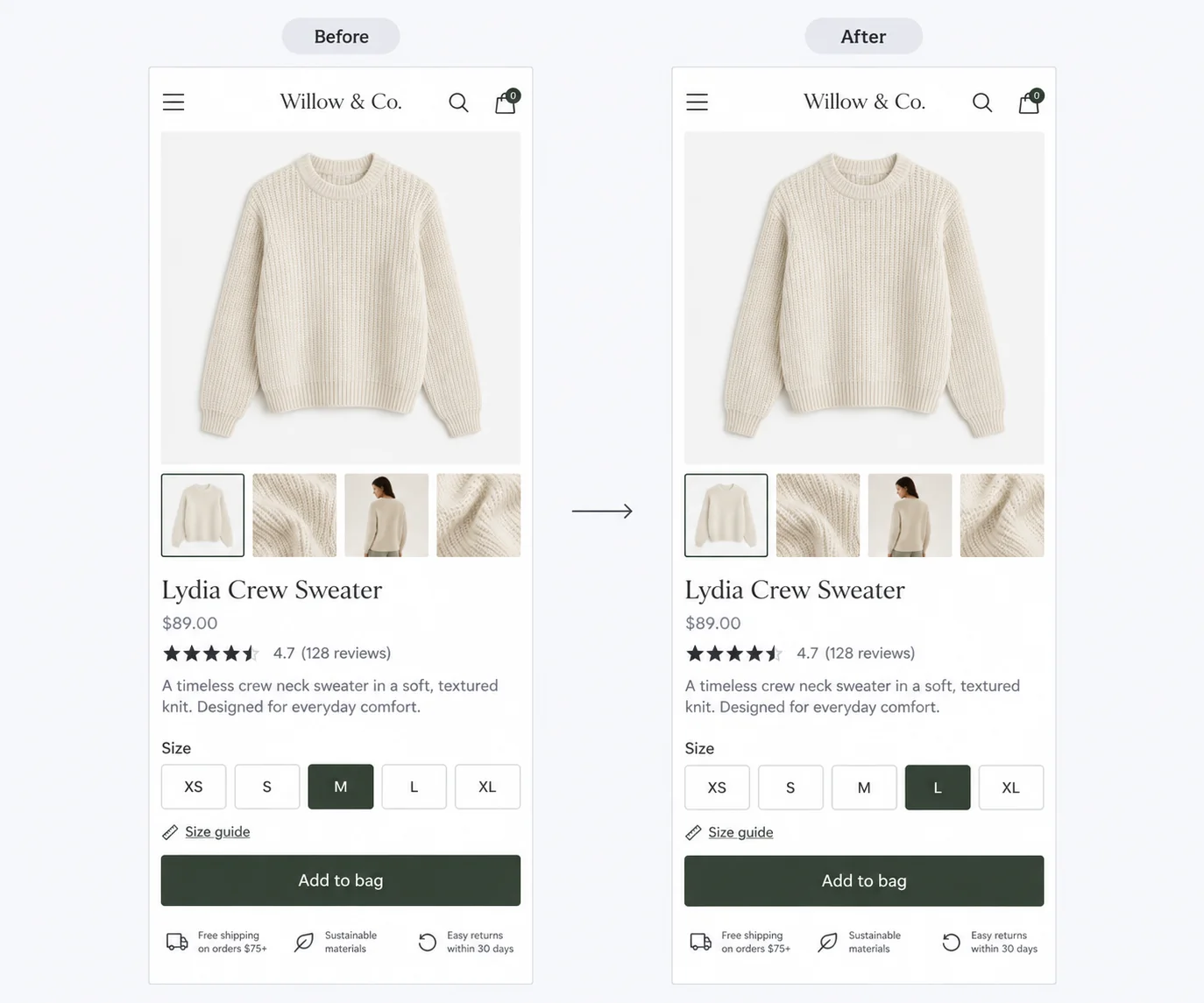
Fix typos, update prices, or rewrite labels directly in your screenshots.
Enter the text to replace, or recognize text in the image automatically.
features
Select the words you want to fix and use our image text editor to type the replacement. The background and layout stay untouched while only the text changes.
For dedicated text removal, try our image text remover. Erase a watermark, a price tag, or a stray caption and let the background fill back in naturally behind it.
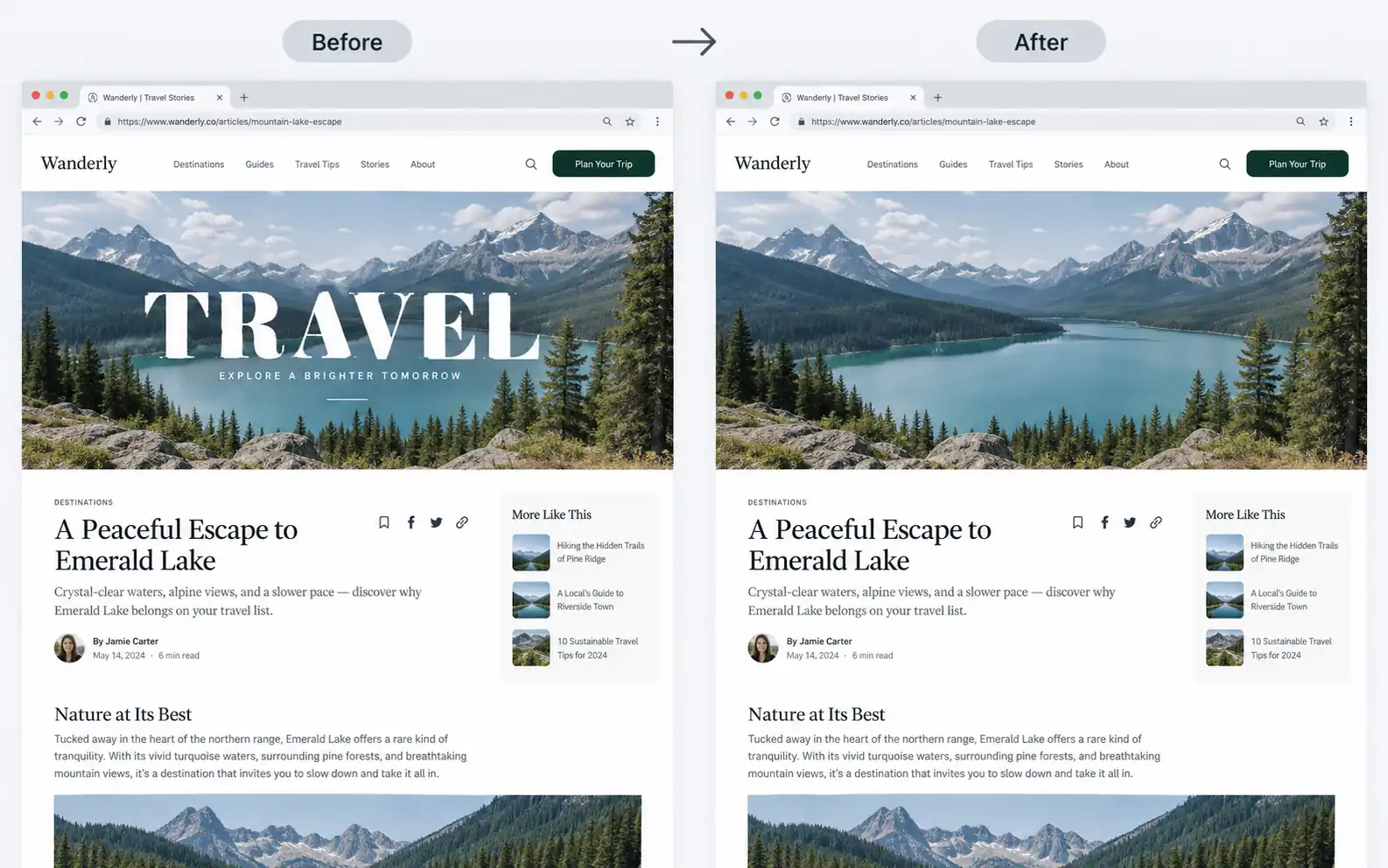
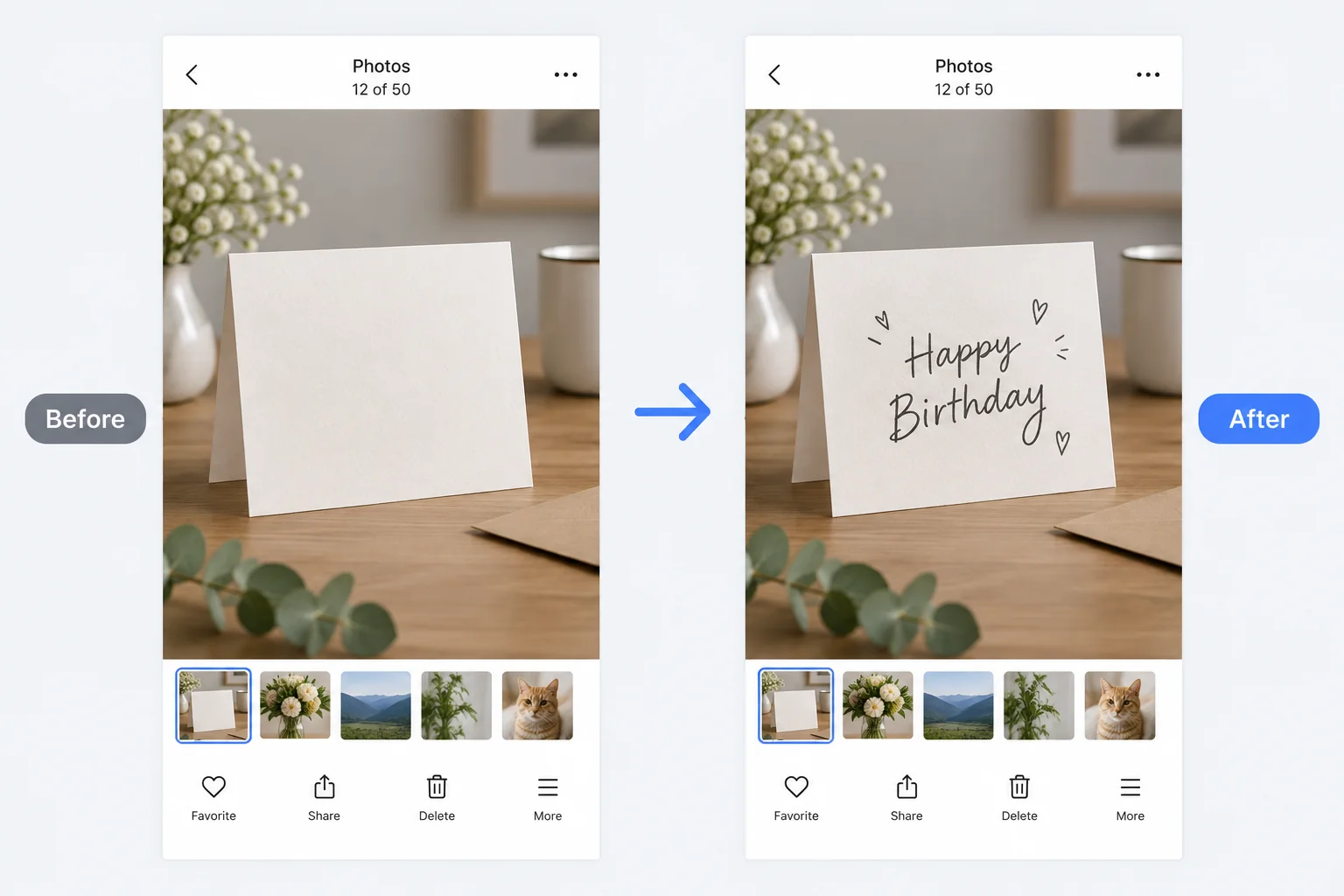
Drop in a caption, label, or note exactly where you want it, in the size and style that fits your image.
steps
Drag a screenshot in from your computer. It opens in the editor in seconds.
Click the text you want to change, add new words, or remove what you do not need.
Save your edited screenshot back to your device in one click.
cases

Correct a typo or update a price in a product image before you publish it, without redoing the shot.
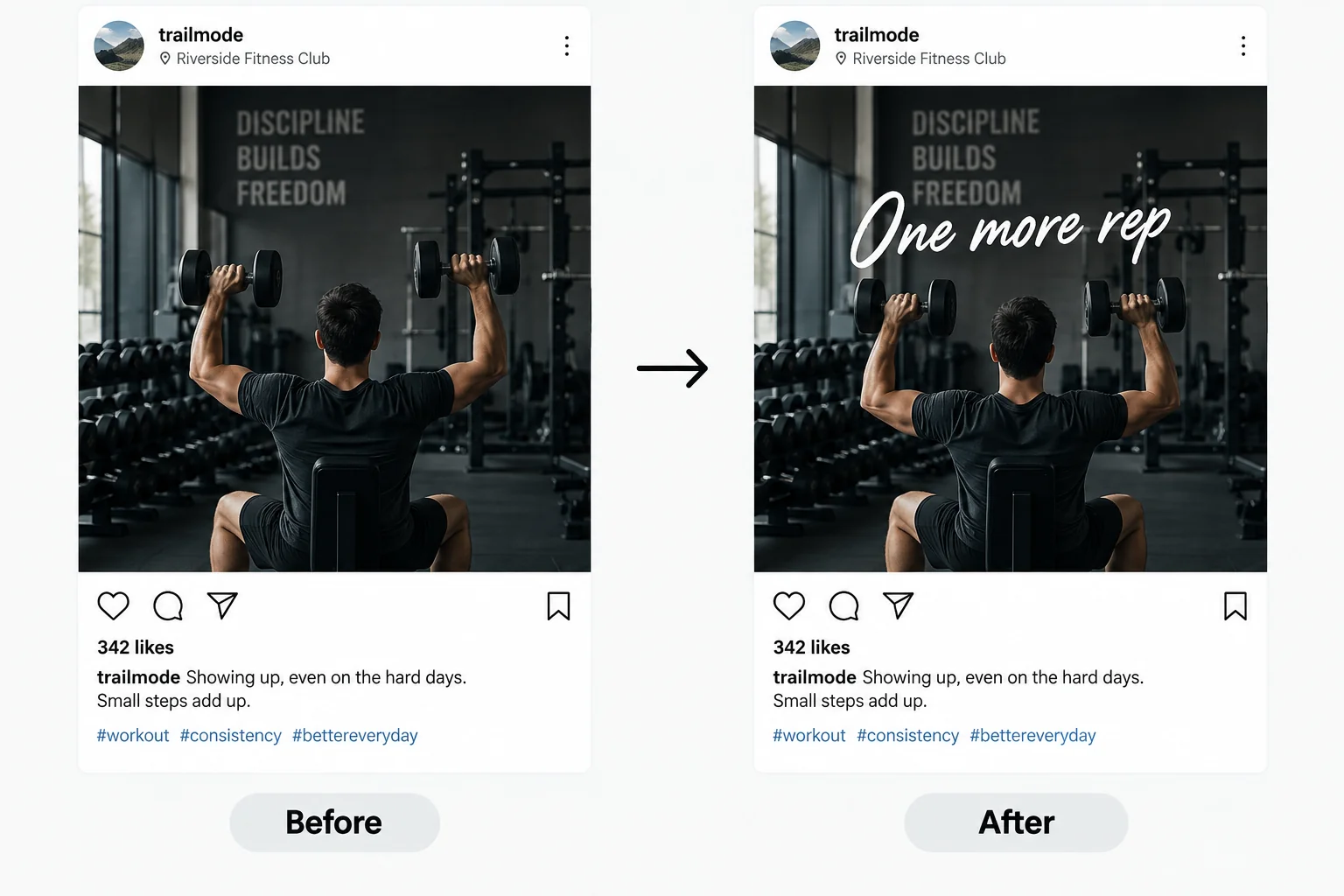
Put a title, a call to action, or a handle on a screenshot before you post it to your feed.
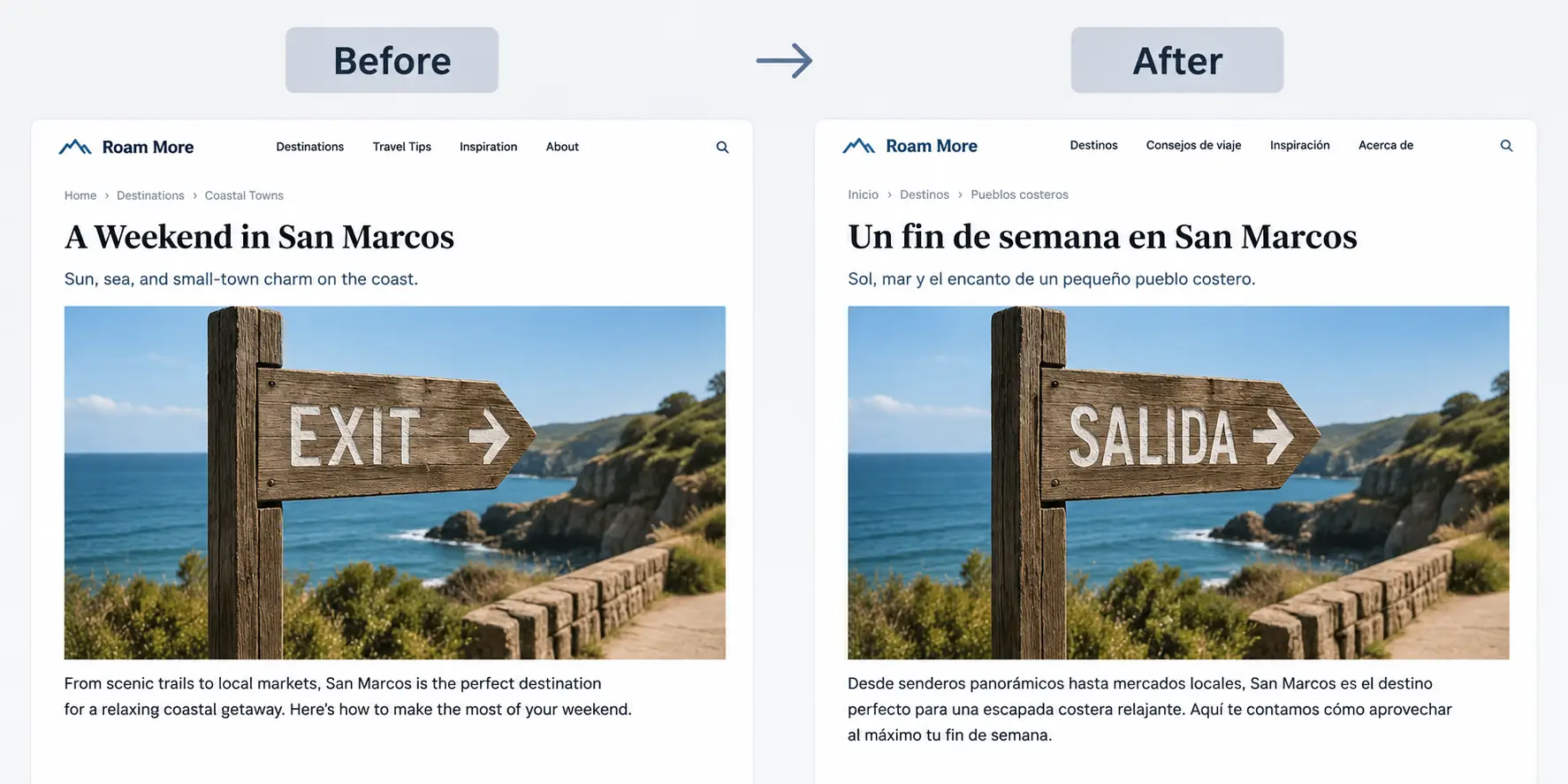
Turn interface text in a screenshot into another language and keep the original layout.
benefits
Everything runs in your browser. Open the page and start editing.
The new text blends into the original image, so the edit looks like it was always there.
You do not need Photoshop or a designer. Click, type, and you are done.
Start with free daily credits and see the result before you pay anything.
Use it on a laptop, tablet, or phone with a browser and an internet connection.
Your screenshots are processed for editing and are not kept around afterward.
faq