
Translate Text in an Image
Upload an image and watch the words come back in another language. The text is swapped in place, so the picture still looks like the same photo, sign, or label.
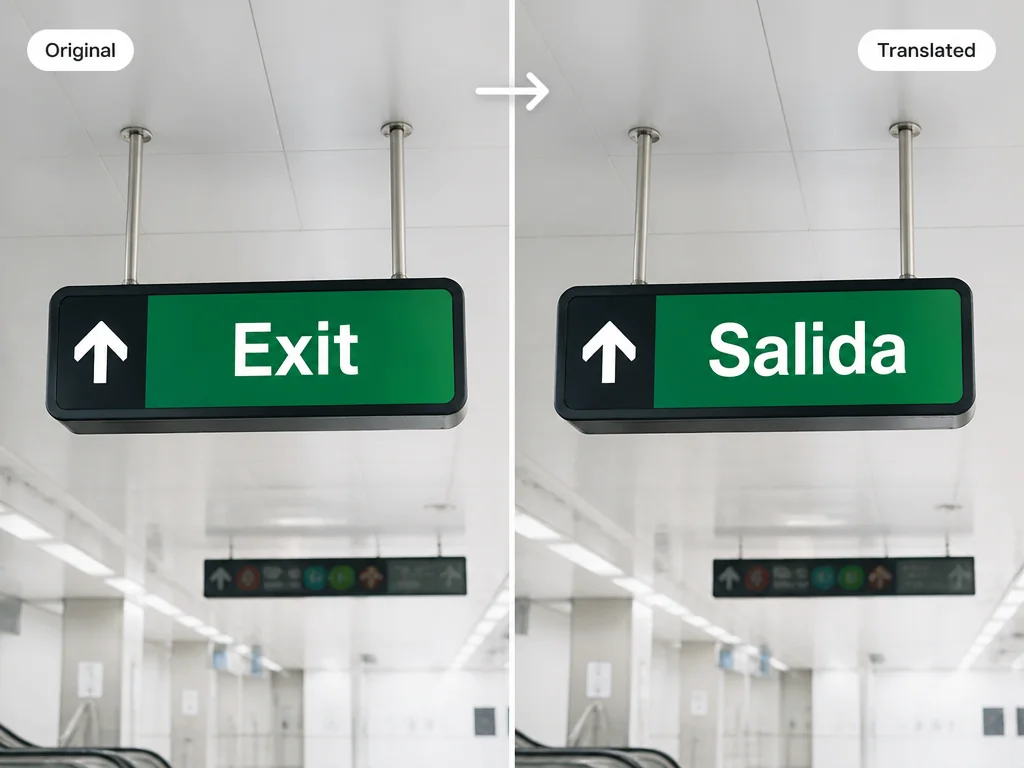
Upload a photo, a sign, a menu, or a screenshot and translates the text inside it into another language while keeping the original layout.
features
Upload an image and watch the words come back in another language. The text is swapped in place, so the picture still looks like the same photo, sign, or label.
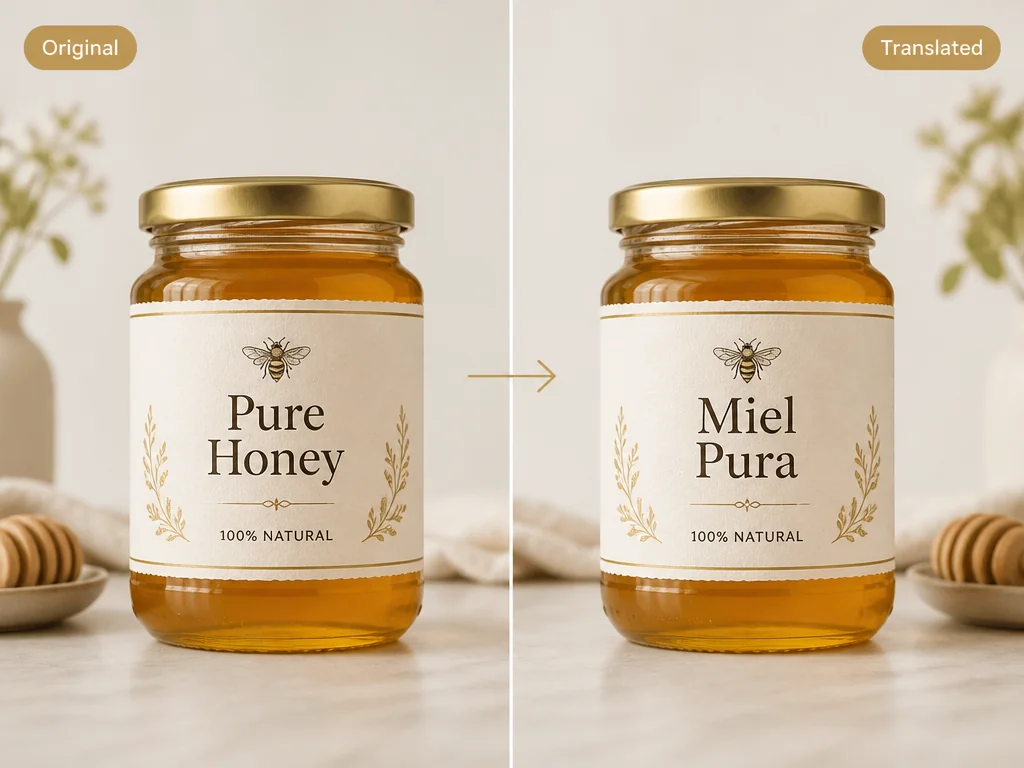
The translated text sits where the original text was. Colors, spacing, and the overall look stay close to the source, so the result reads naturally instead of looking pasted on. This image translation keeps your photo, sign, or label looking like the original.

Turn a menu, a label, or a poster into a language you understand. ImageTextEditor works with text in images across everyday formats.
steps
Drag in a photo, screenshot, or scan. It opens in the translator in seconds.
Pick the language you want, and the text inside the image is translated for you. You can translate a picture, a screenshot, or a scan the same way.
Save the translated image, or tweak the text right where it sits.
cases
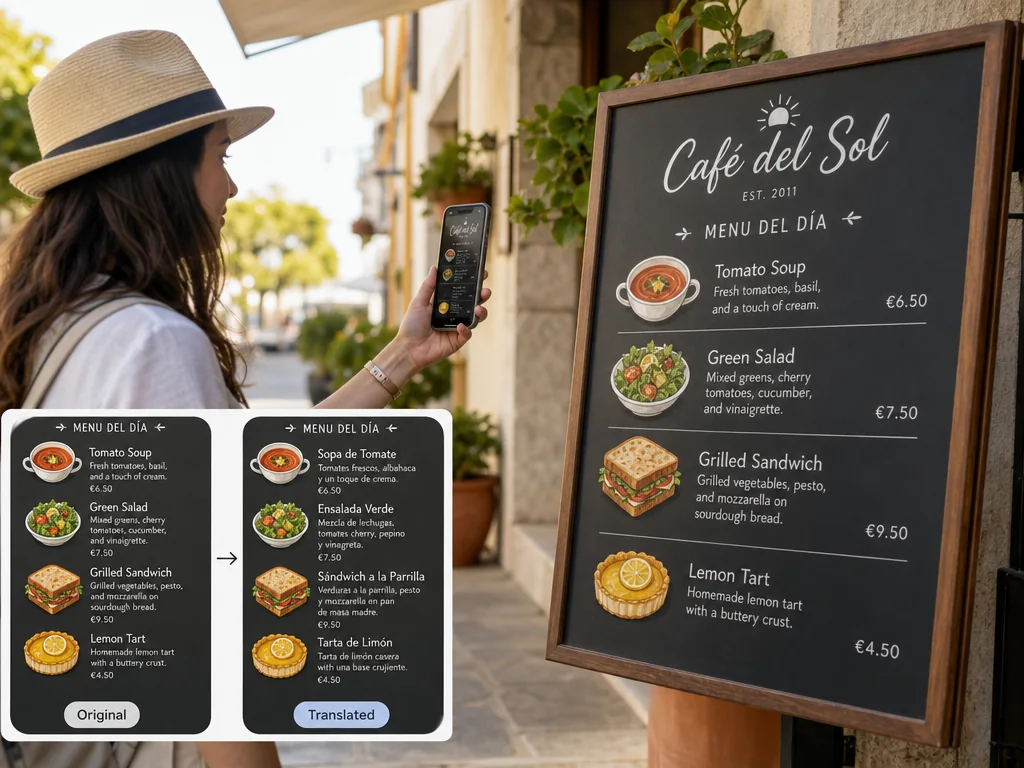
Point at a menu in another language and get the dishes in yours. Useful for travel, food delivery, and reviews.
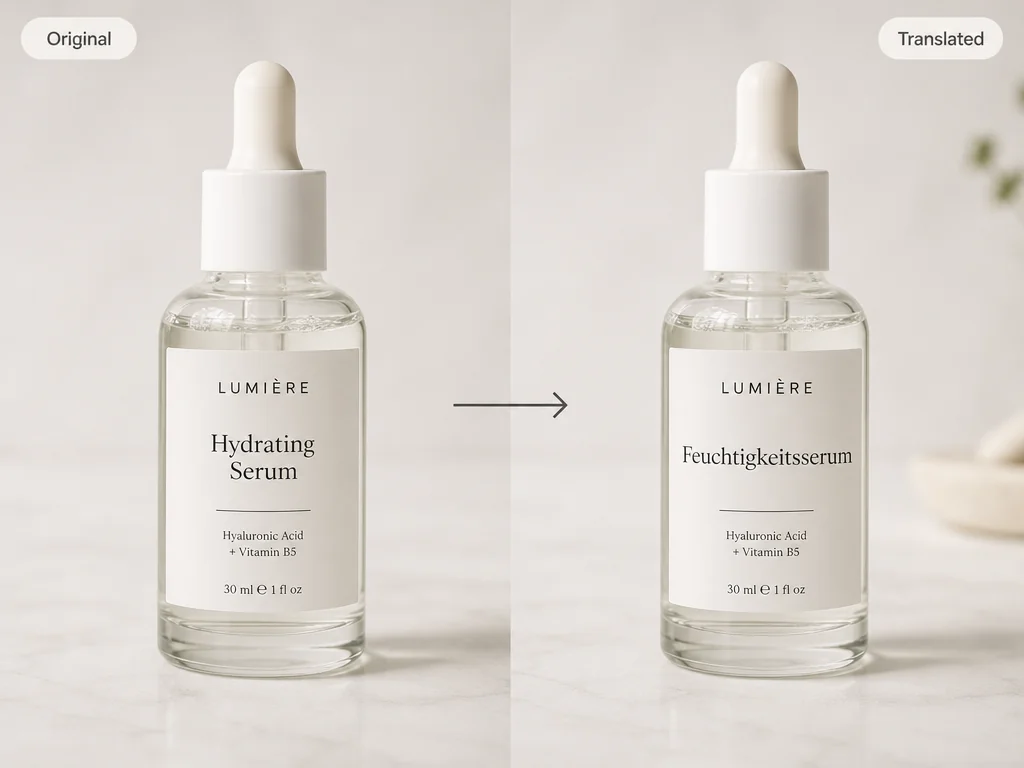
Read a product label or package text in your language before you buy, without guessing the ingredients.
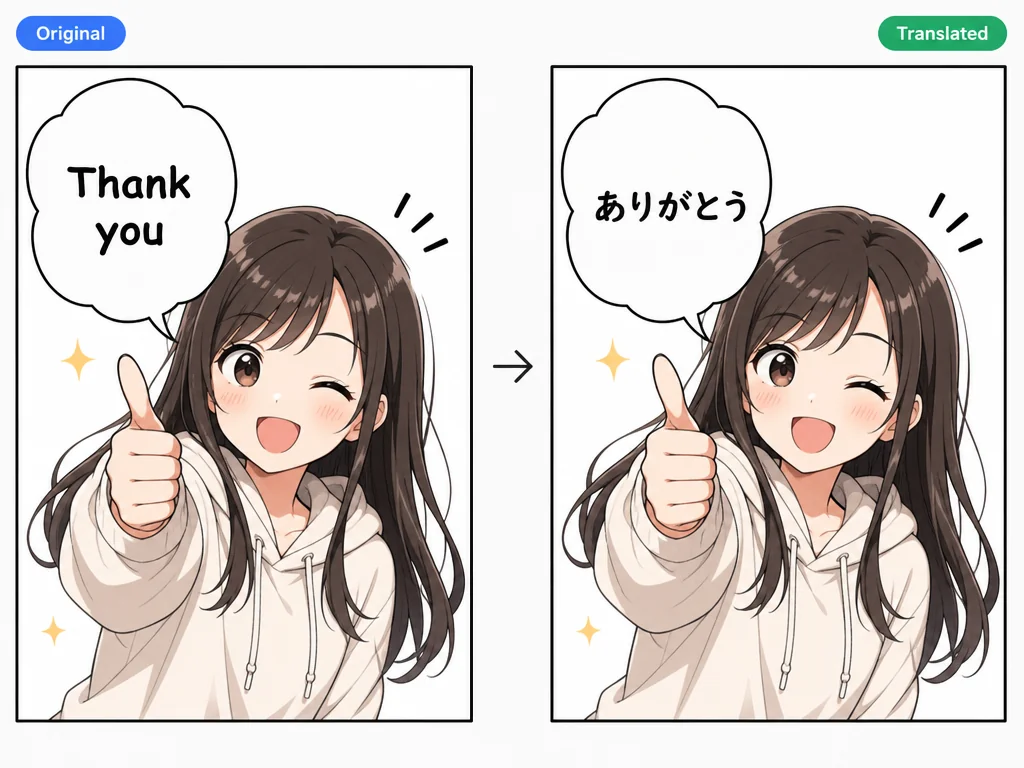
Follow a story in a language you know. Translate speech bubbles and captions while the art stays untouched.
benefits
Open the page and start. No account, no email, nothing to install.
Start with free credits every day and try the translator before you pay anything.
Text is translated in place, so your image keeps its original look.
Fix the wording after translation in the same tool, without switching apps. For screenshots, try our screenshot editor.
Use it on a laptop, tablet, or phone with a browser and a connection.
Your images are processed for translation and are not kept around afterward.
faq