Read Menus in Your Language

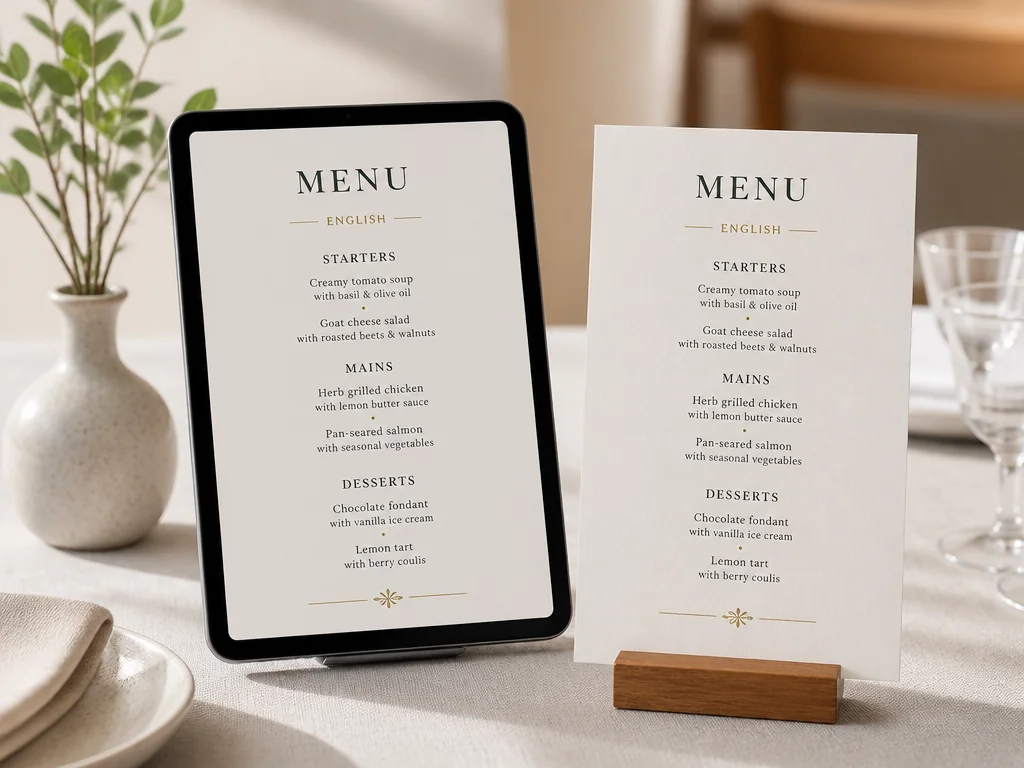
The Menu Translator keeps the menu image and its visual context together so you can review dishes before ordering.

No image?Try one of these

features

Menu translator features for clearer dining decisions

Translate visible menu text from a photo

Use ImageTextEditor as a restaurant menu translator when the words you need are printed inside an image. Upload a clear menu photo and translate the visible dish names, descriptions, section labels, and prices into your chosen language. The result is designed to help you understand the photo without retyping every line
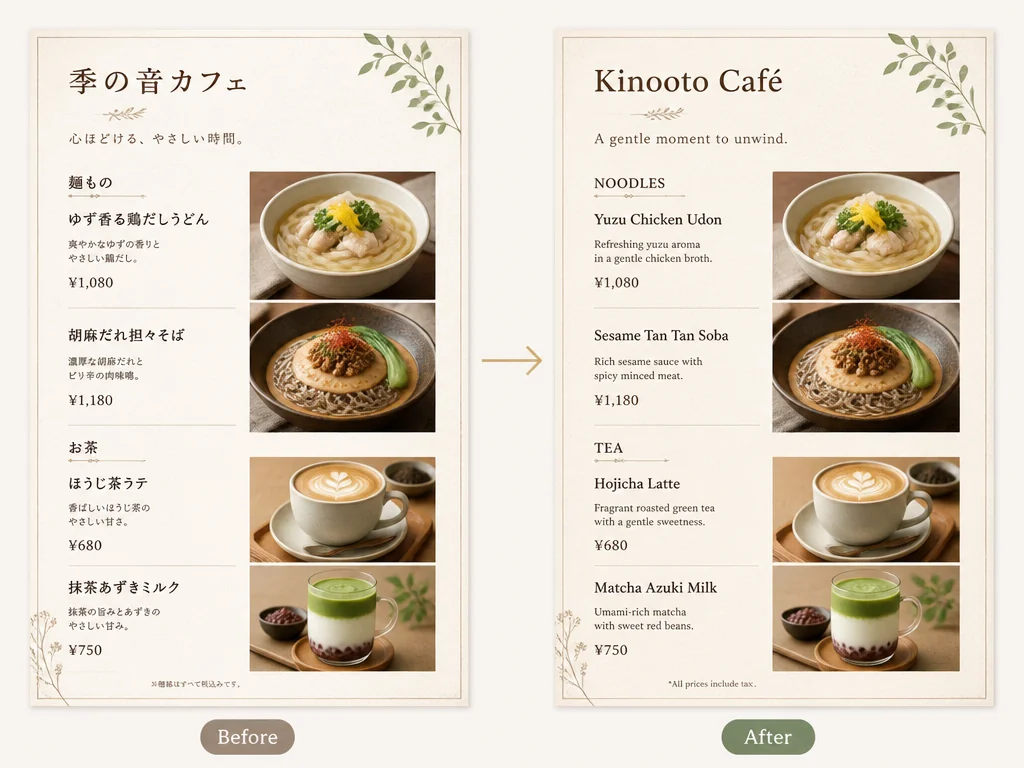
Menu translator feature showing the same restaurant menu with original Japanese text and an English translation.

Keep dish and price context in view

A menu is easier to use when dish names stay connected to the surrounding image. The menu translator workflow keeps the original page available as a visual reference, so you can compare translated wording with the printed section, item order, and price line. For allergy or dietary questions, treat the translation as a guide and confirm details with restaurant staff

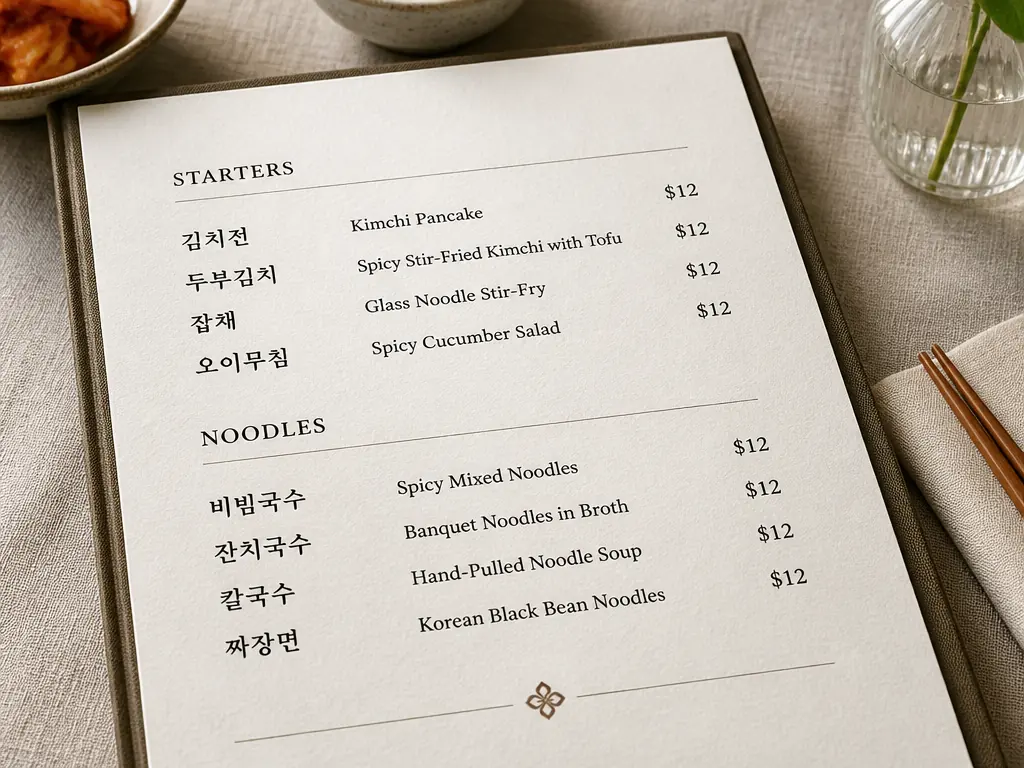
Translated menu photo with dish names, section headings, and prices kept together for context.

Translate menu images in a simple browser workflow

Start in your browser with the image you already have: a phone photo, screenshot, or saved menu graphic. Choose the target language, review the translated image, and continue with the text tools you need. If the menu is a screenshot, use Screenshot Editor. If an old label or price needs to be cleared, a text removal tool can help you clean it up before continuing.

Browser-based menu translation workflow with a menu photo, language choice, and translated image preview.

steps

How to use this restaurant menu translator

Step 01

Upload a clear menu photo

Choose a JPG, PNG, WebP, or other supported image that shows the menu text clearly. A flat, well-lit photo with the smallest type in focus gives the translator more useful source text.

Step 02

Choose the language you want to read

Select a target language for the menu image. Keep the original language in mind when you review dish names, cooking terms, and prices in the translated result.

Step 03

Review the translated menu before ordering

Compare the translation with the original photo and check the lines that matter to you. If an ingredient or allergy detail affects your order, ask the restaurant to confirm it directly.

cases

Menu translator use cases for travel and work

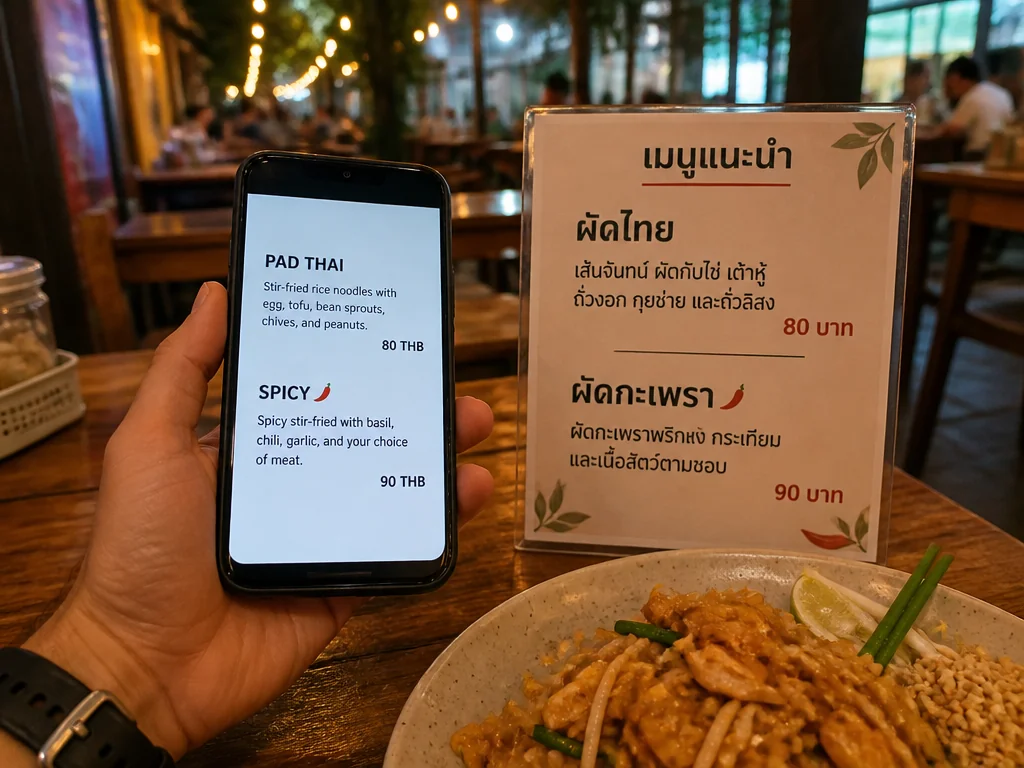
Traveler using a menu translator to read a foreign restaurant menu on a phone.

Read a foreign menu while traveling

When you are at a café, market, or restaurant abroad, a menu translator can turn a photo into a readable reference before you order. Translate the section you are considering, keep the original image nearby, and use the result to ask a more specific question at the table

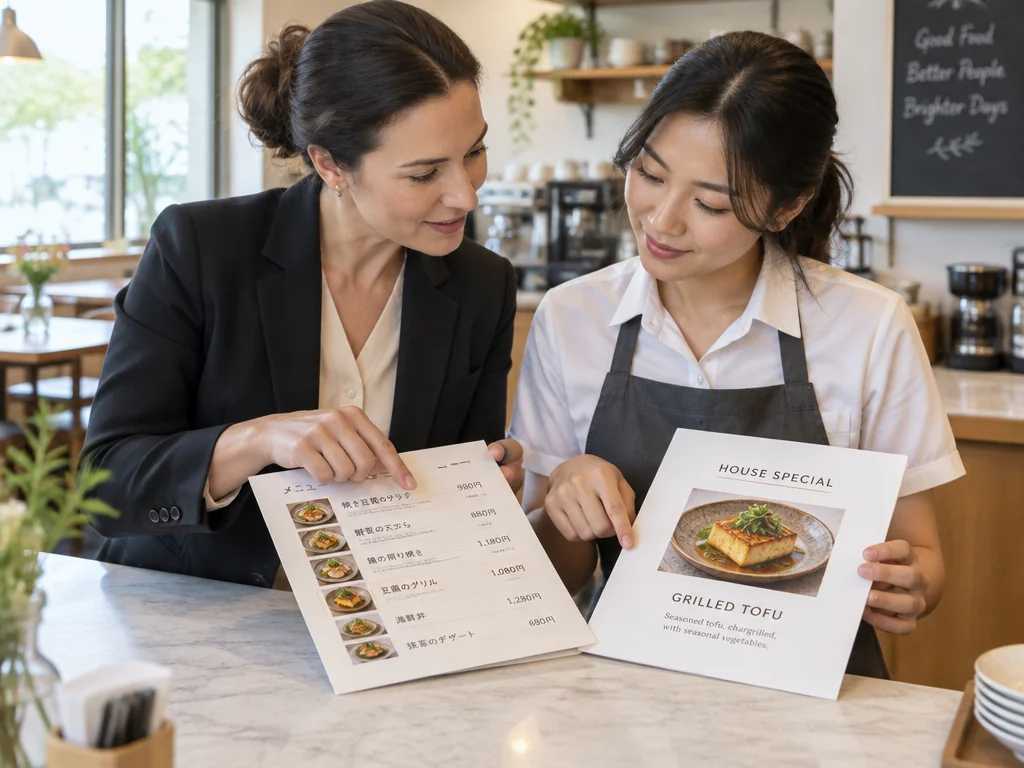
Hospitality team reviewing an English translation of a multilingual restaurant menu photo.

Prepare an English reference for guests

Small restaurants, tour operators, and hospitality teams can translate a menu image into an English reference for visitors. Use the translated version as a review draft, then have a fluent speaker or the restaurant team check names, ingredients, and local terms before publishing or printing. If you also need to translate labels, signs, or other image types, see Image Translator.

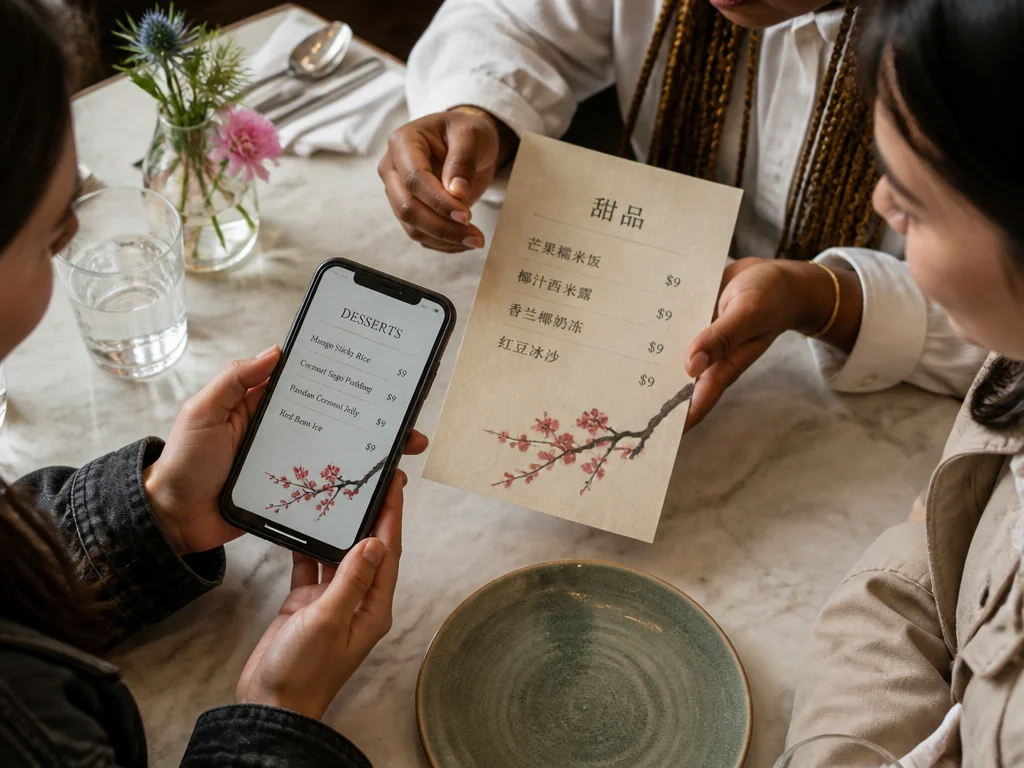
Friends sharing a translated menu image while comparing dishes and prices at a restaurant table.

Share translated menu details with your group

A translated menu image is useful when friends or family are deciding together. Send the result to your group, compare dishes and prices, and keep the original menu visible so everyone can point to the same item when ordering

benefits

Why use ImageTextEditor as your menu translator

ImageTextEditor focuses on practical text work inside images, from translation to follow-up edits.

Image-first translation

Translate text where it appears in the menu photo, keeping the visual reference available while you read.

Useful for multilingual workflows

Move between supported languages when you need to understand, review, or prepare image text for an international audience.

Browser-based access

Open the tool on a compatible device and work with a menu image without installing a separate desktop editor.

Follow-up text tools

If the menu needs more work, ImageTextEditor also supports editing, adding, removing, and extracting text from images.

Free to try

Start with the available free credits and daily reset described by ImageTextEditor, then decide whether the workflow fits your needs.

Review-friendly results

Keep the original menu in view and check important wording before you rely on a translation at the table.

faq

Frequently asked questions

Practical answers for translating restaurant menu photos.

Upload a clear menu photo to ImageTextEditor, choose English as the target language, and review the translated image. The workflow is intended for visible text in the photo, such as dish names, descriptions, section labels, and prices. Compare important lines with the original menu before ordering, especially when wording affects dietary choices.

Try the menu translator with your next photo

Use the menu translator to read the visible text in your next menu photo before you order.
Start Translating