Image to Text Converter

Extract text from images. Copy, edit, and make it yours.

No image?Try one of these

Free to try with daily credits. No software to install.

features

What This Image to Text Converter Does

Extract Text From Image Files You Already Have

Drop in a JPG, PNG, or WebP file up to 10MB and the tool reads the characters on the page. What comes back is a text block you can select, so a photo of a document becomes something you can actually work with.
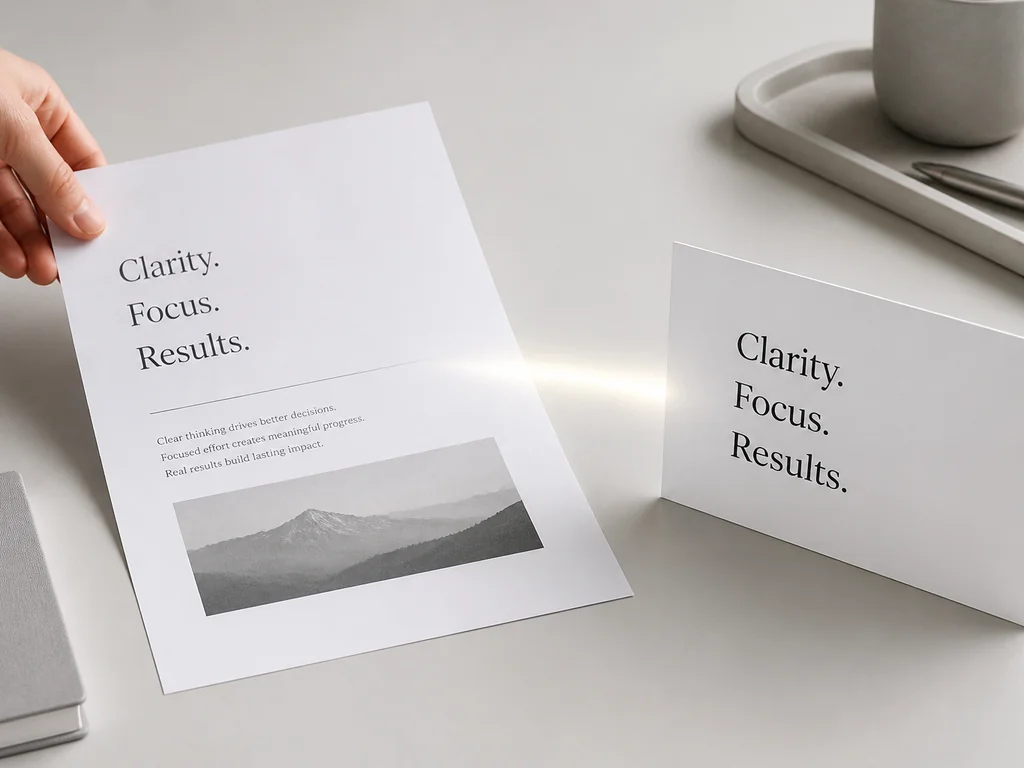
Extract text from image example showing a printed page reading Clarity, Focus, Results next to a card with the same three words.

Copy Text From Image Results and Paste Them Anywhere

Highlight the result and copy it like any other text on the web. Line breaks stay close to the original, which saves you from retyping a page of notes or the address on a shipping label.

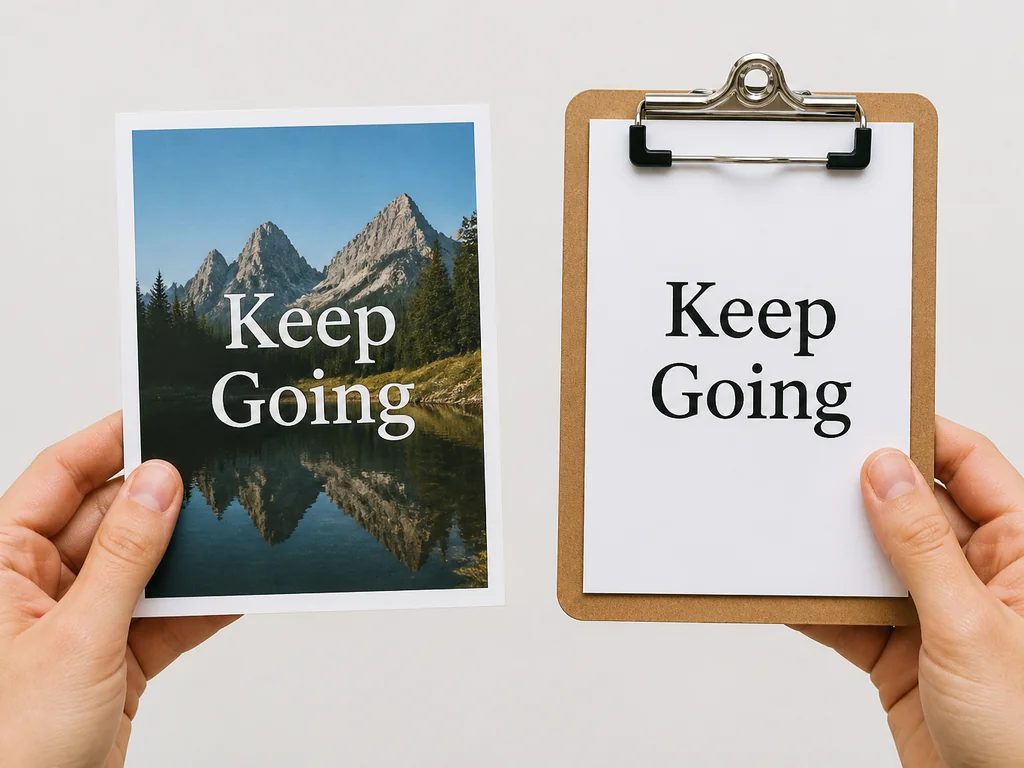
Copy text from image example with a printed photo reading Keep Going held beside a clipboard carrying the same two words.

Convert JPG to Text Without a Scanner

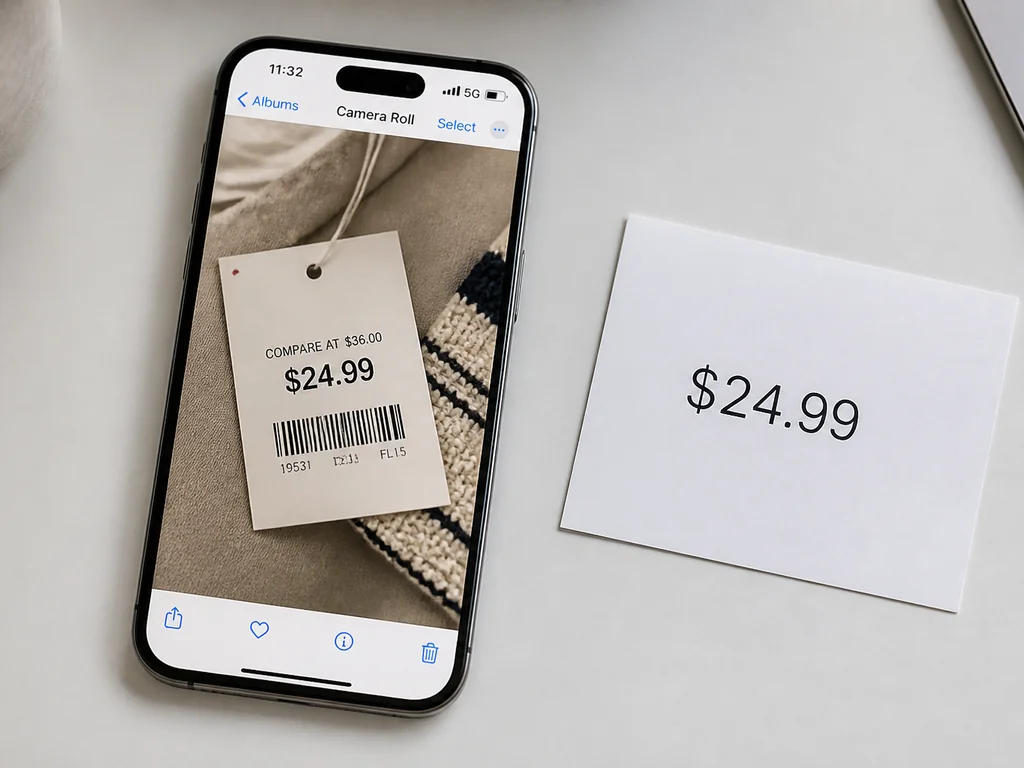
Phone photos, screenshots, and exported slides all go through the same upload box. A JPG straight from your camera roll works as well as a flatbed scan, and you end up with editable words instead of an image you have to zoom into.

JPG to text example with a phone showing a camera roll photo of a $24.99 price tag and a card printed with the same amount.

Fix What the Reader Got Wrong

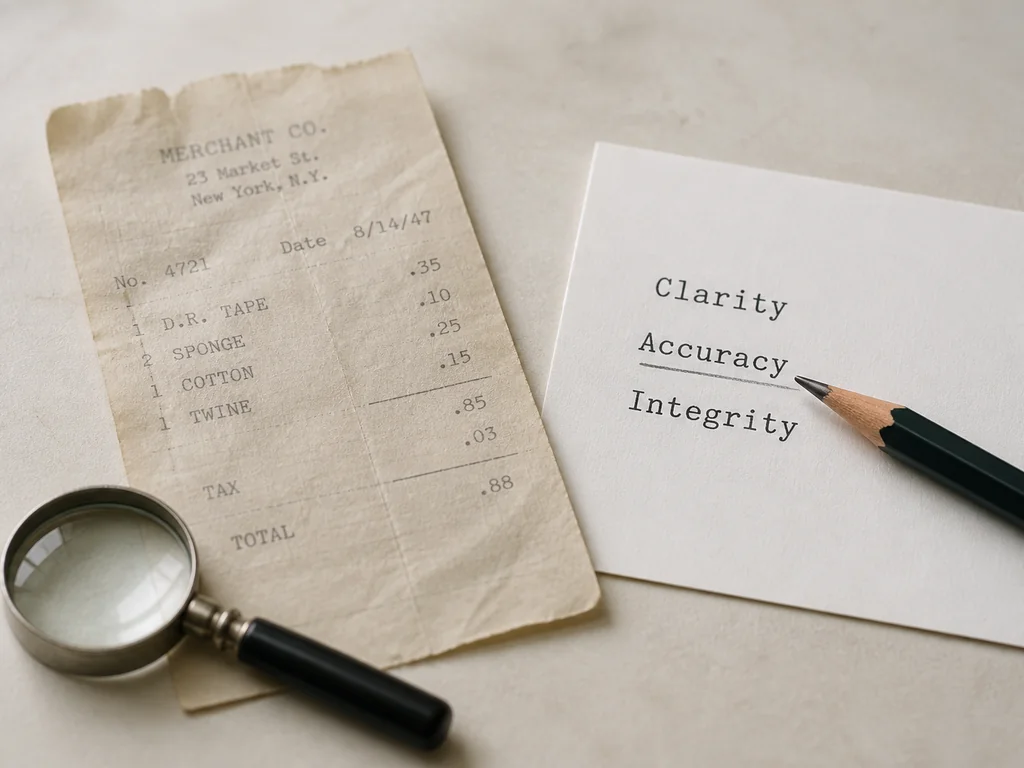
A faded receipt or an unusual font can leave a stray character or a merged word behind. ImageTextEditor is an image text editor, so the result opens in an editor where you can correct that line before you copy it out.

Image to text result card reading Clarity, Accuracy, Integrity with a pencil on the word Accuracy and a faded paper receipt beside it.

steps

How to Convert Image to Text in 3 Steps

Step 01

Upload the Image You Want to Read

Choose a JPG, PNG, or WebP file up to 10MB, or drag it onto the upload area. A screenshot, a scan, and a phone photo of paper are all acceptable inputs.

Step 02

Run the Image to Text Conversion

Start the conversion and the tool reads the text on the image, then hands it back in a panel you can scroll through. You see the whole block before you copy anything.

Step 03

Copy the Result or Fix It First

Read the text, correct a character or a broken line, and paste it into your document. If you only need the words gone from the picture, the remove text from image tool does that instead.

cases

Where Photo to Text Saves Real Time

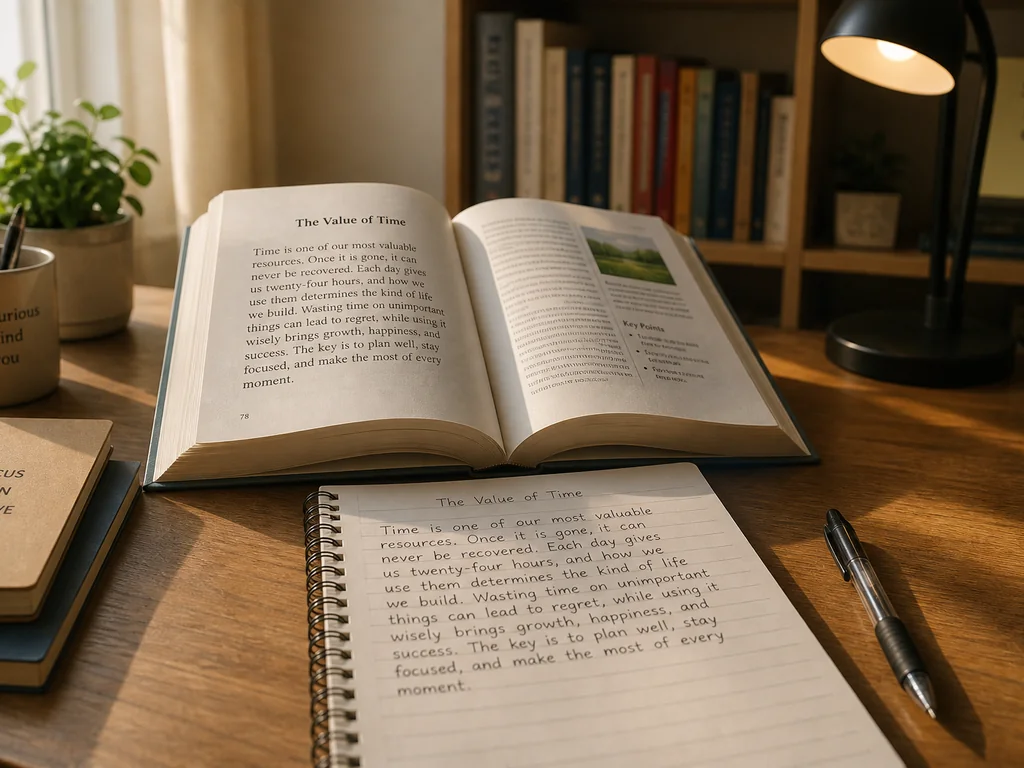
Student desk with an open textbook titled The Value of Time and a notebook holding the same passage written by hand.

Study Notes and Textbook Pages

Photograph a page, run the extraction, and paste the passage into your notes app. Definitions and quotations arrive as text you can search the night before an exam.

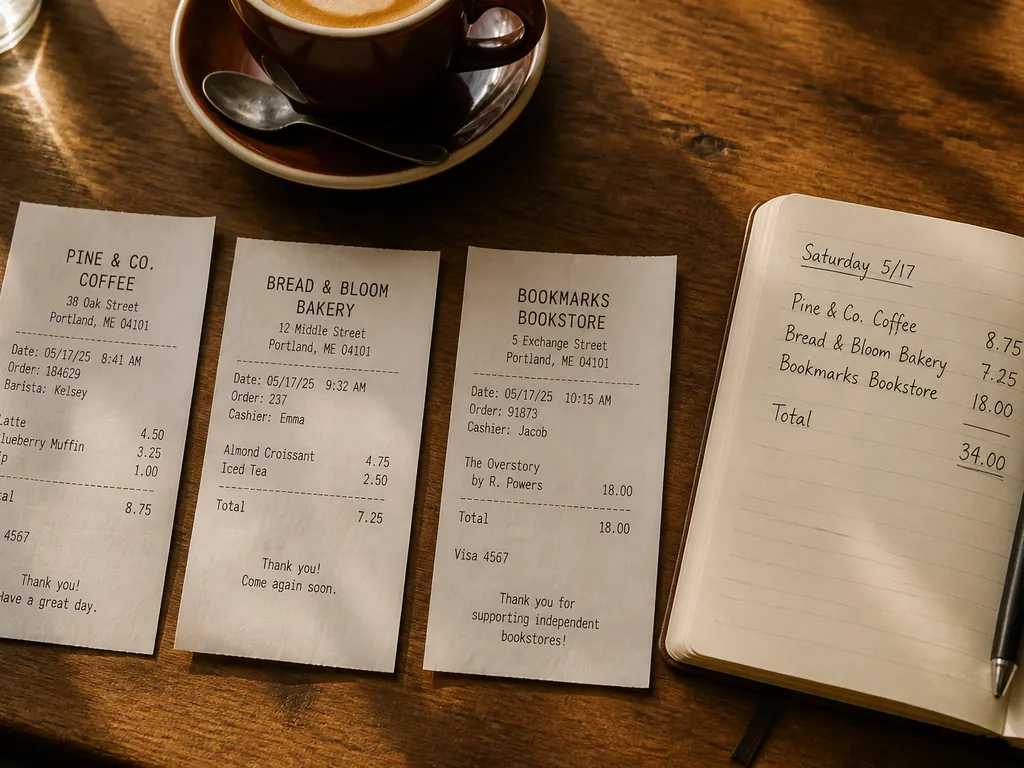
Cafe table with three paper receipts from a coffee shop, bakery, and bookstore, plus a notebook listing the same amounts by hand.

Receipts, Invoices, and Expense Records

Snap a receipt and move the merchant, date, and total into a spreadsheet without typing them twice. Helpful when a folder of paper receipts has been waiting to be filed for weeks.

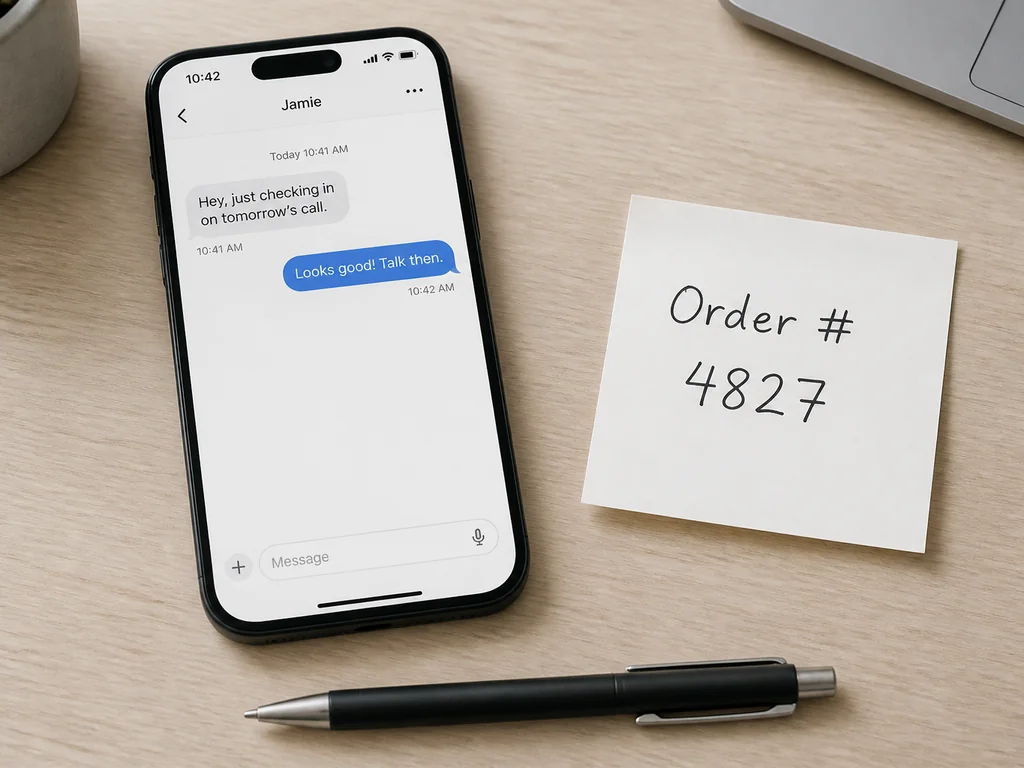
Phone showing a short chat conversation next to a sticky note reading Order number 4827 and a pen on the desk.

Screenshots of Chats and Support Tickets

Order numbers, error messages, and delivery addresses trapped in a screenshot become text you can paste into a form, a search box, or a reply. The screenshot editor opens the same file if you want to change what the screenshot says.

benefits

Why Use This Free Image to Text Converter

Free Daily Credits

Start with free credits that reset every day, so you can try image to text on a few files before paying for anything.

No App to Install

It runs in the browser on a phone, tablet, or laptop. There is nothing to download and no account to set up before your first upload.

Text You Can Edit, Not Only Read

The result opens in an editor, so you can fix a character, join a broken line, or drop a row you do not need before pasting.

Mixed Sources, One Upload Box

Printed pages, screenshots, whiteboards, and slide exports all take the same path, so you do not have to hunt for a different tool for each file type.

Built for Multilingual Images

Images with Japanese, Chinese, Korean, or European text are common inputs here, and the words you pull out can go straight into translation or further editing.

Images Are Not Kept

Files are processed to produce the text and are not kept around afterward.

faq

Image to Text FAQ: Common Questions Answered

Yes. ImageTextEditor gives you free credits every day and they reset daily, so you can convert a few images before deciding whether to pay.

Extract Text From Image Files With a Free Image to Text Tool

Open the image to text tool in your browser, upload a photo or screenshot, and copy the words in a few seconds. Free daily credits, nothing to install.
Extract Text Now